
Branding catalog
The branding catalog is how a game supplies its own art, links and metadata to every Coilbox user — not just people running a copy you packaged. When a player has your game installed, Coilbox looks it up in a shared, community-maintained catalog and uses that entry to brand the game's detail and grid views: banner, logo, screenshots, videos, and external links.
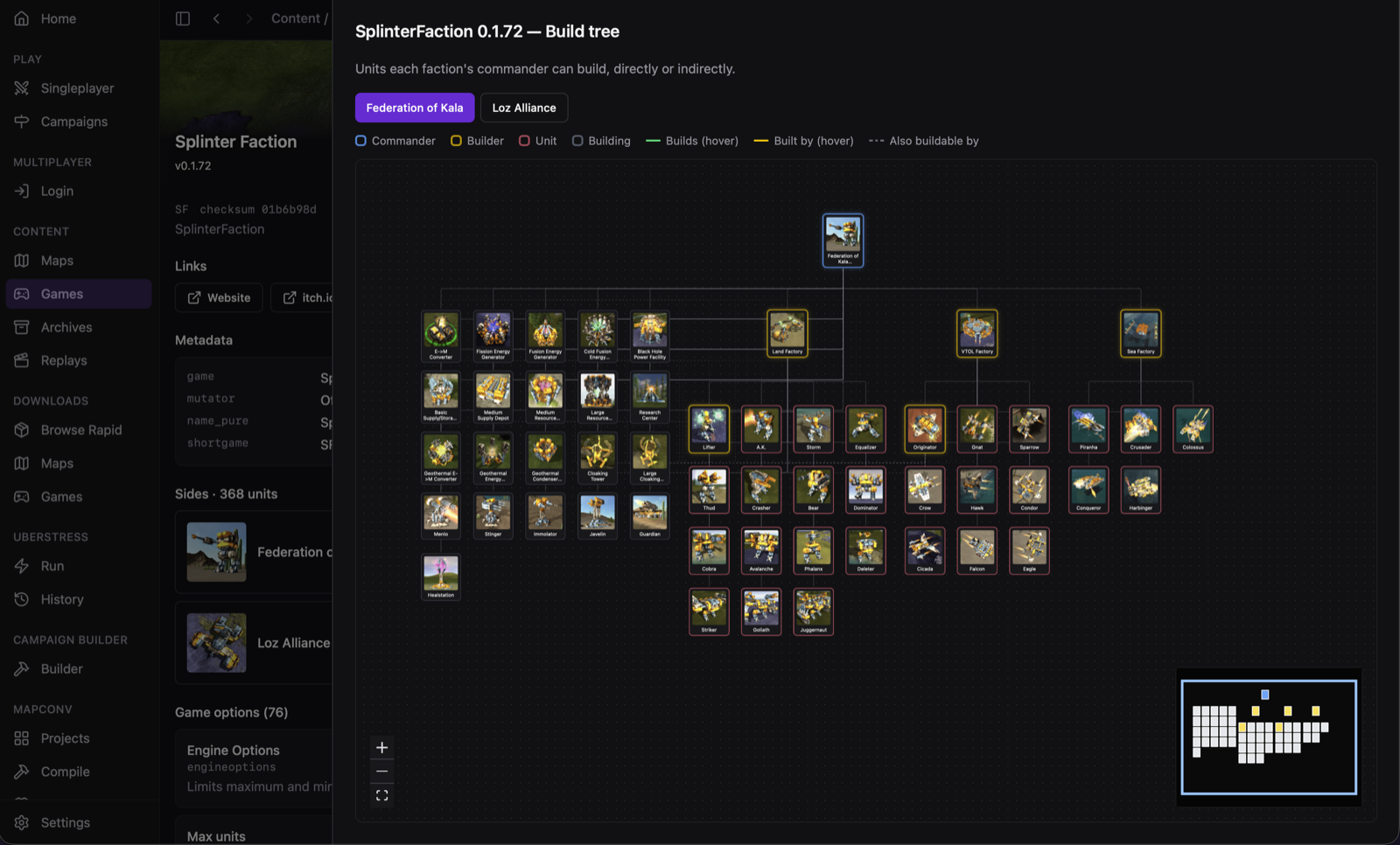
It exists because games increasingly render their loading screen in Lua, or ship a modinfo whose links have gone dead — so there's no reliable art or link to pull out of the published archive. The catalog lets you supply current art and links without re-publishing the game and without a Coilbox release.
Catalog or distribution profile
These are two different customisation channels; pick by audience:
| Reaches | Lives | Good for | |
|---|---|---|---|
| Branding catalog (this page) | Every Coilbox user who has your game installed | One shared file in the Coilbox repo, fetched at runtime | Your game's banner/logo/screenshots/links, on the normal Coilbox everyone runs |
| Distribution profile | Only players running a copy you packaged | A profile.json in your .coilbox/ folder | Reskinning/narrowing the whole app (title, theme, hidden nav, welcome screen) for your bundle |
If you just want your game to look right for anyone who downloads it in vanilla Coilbox, you want the catalog. Reach for a distribution profile when you're shipping a branded, narrowed Coilbox as part of your game's own download.
How a catalog change reaches players
The catalog is a single file: catalog.json at the root of the coilbox repo. That one file is both the source the app fetches at runtime (from the main-branch raw URL, https://raw.githubusercontent.com/tomjn/coilbox/main/catalog.json) and the copy bundled into the app as an offline / first-run seed.
Because it's fetched at runtime, a catalog edit merged to main reaches users without an app release — no version bump, no rebuild, no download. The next time Coilbox refreshes the catalog, your entry is live for everyone.
Resolved catalog and images are cached under the app cache dir, and on a network failure the app falls back to that disk cache, then the bundled seed — so branding degrades gracefully rather than hard-failing.
Adding or editing your game
Edit catalog.json and open a pull request against main. Validate the JSON before pushing (jq . catalog.json). Each entries[] item brands exactly one game:
{
  "id": "splinter-faction",                   // required, unique slug
  "match": { "regex": "^Splinter *Faction" }, // required, see Matching below
  "title": "Splinter Faction",                // optional display-name override
  "banner": ["https://.../banner.png"],       // ordered URL fallbacks
  "logo":   ["https://.../logo.webp"],
  "screenshots": [
    { "urls": ["https://.../shot1.png"], "caption": "Skirmish on Aqua Regis" }
  ],
  "videos": [
    { "kind": "youtube", "id": "dQw4w9WgXcQ", "title": "Launch trailer" }
  ],
  "links": [
    { "label": "Website", "url": "https://splinterfaction.info" },
    { "label": "itch.io", "url": "https://example.itch.io/splinter-faction" }
  ]
}- Everything except
idandmatchis optional — an entry can be pure link backfill (onlylinks) for a game whosemodinfosite has gone dead. banner,logo, and each screenshot'surlsare ordered fallback arrays: candidates are tried in order until one fetches. Image URLs must be https.- The catalog hosts no binaries — only URLs. They can point anywhere (project sites, itch.io, imgur, GitHub); the app proxies images, so there's no CSP host allow-listing to worry about.
videosare either{ "kind": "youtube", "id", "title"? }or{ "kind": "link", "url", "title"? }.
How a game is matched to its entry
match is tested against the installed game's identity — game.name, with game.info.shortname as a secondary target for names:
regex— case-insensitive, tested againstgame.name.names— case-insensitive exact matches againstgame.name/game.info.shortname; these take precedence overregexwithin an entry.- Entries are evaluated top-to-bottom and the first match wins, so order the most-specific entries first.
- An invalid regex skips only that entry, not the whole catalog.
Keep matchers tight and per-project. Games that share ancestry — Balanced Annihilation, Beyond All Reason, Splinter Faction — are distinct projects, and a broad ancestral pattern would misbrand siblings. A game.name usually embeds a version; verify your pattern against the real installed name before landing it.
Suggested content and conquest names
Two more things ride in the same catalog file:
- Suggested content and map packs. Besides
entries[], the catalog carries asuggestedblock of curated games, maps and map packs offered to users who have none yet (and on the Maps download page). See the dedicated Map packs guide for the shape and behaviour. - Galactic-conquest naming. A branding entry can carry a
conquestfield that supplies per-game star/faction name pools and lore factions, so a generated galaxy reads as your game rather than generic space. See Galactic conquest → Names and factions.
Excluding maps from warpath and conquest
Warpath and galactic conquest pick maps on the player's behalf, so a map that loads fine but makes a nonsense match ruins a run the player did not choose. The catalog's top-level excludedMaps keeps those maps out of both modes:
"excludedMaps": [
  {
    "id": "zwzsg-hexfarm",
    "match": { "regex": "^hex ?farm" },
    "reason": "Built for Kernel Panic. It ships its own LuaRules gadget and sets maxMetal to 0.1, so another game has no economy on it."
  }
]
match works like a branding entry's, tested against the installed map's spring name: regex is case-insensitive, names are case-insensitive exact matches and win over regex. Prefer regex. A map family carries its version in the spring name, so Hex Farm 8 and Hex Farm 9 are different names and exact matching misses the next release.
reason is shown to the player on the map's detail page, so write it for them rather than for the catalog.
What belongs here is a map that cannot make a sensible match in a normal game: one built around another game's mechanics, or a joke map. A map you personally dislike does not, and neither does a map that is merely small or unbalanced. This list is global and no player can override it.
The scope is narrow on purpose. An excluded map stays visible in Content and stays playable in skirmish and multiplayer, where the player picked it deliberately. A distribution profile can add more exclusions, and a player can opt individual maps out on the map detail page. All three are additive: nothing re-enables a map another layer excluded.
An in-progress warpath or conquest that already sits on a newly excluded map is not stranded. The node is re-pointed at a map the same draw would have chosen for it, so an exclusion lands mid-run without breaking a save.
AI rankings
A branding entry can carry an ai block describing what a game's skirmish AIs are for. Coilbox otherwise picks AIs by list position, which is arbitrary: a game switch can drop a player from a strong AI to a trivial one, and a difficulty setting cannot pick a harder opponent if it does not know which opponent is harder.
"ai": {
  "ranking": ["BARb", "CircuitAI", "AAI", "SimpleAI"],
  "standard": "AAI",
  "never": ["Sandbox", "NullAI"],
  "minigame": ["ChickensAI", "ScavengersAI"],
  "neutral": ["ChickensAI"],
  "neutralModOptions": { "chicken_difficulty": "easy" }
}
Every field is optional and every name is a unitsync shortName, matched case-insensitively so one entry covers every version of your game.
rankinglists your playing AIs hardest first. It drives the difficulty pips in the AI picker, the opponent a warpath or conquest difficulty selects, and the replacement when a preset moves to a game that lacks its AI.standardnames the normal-difficulty AI. It is the default opponent wherever nothing more specific applies. Without it, Coilbox uses the middle of the ranking.neverlists bots that must not play, such as a do-nothing test AI.SandboxandNullAIare excluded already.minigamelists AIs that are a game mode rather than an opponent, such as chickens or scavengers. They stay pickable by hand but are never fielded as a normal enemy. Names containingchickenorscavare treated this way already.neutrallists the AIs that garrison unclaimed worlds in galactic conquest, best first, andneutralModOptionssets the mod options those battles run with.
An AI in none of these lists stays selectable in the skirmish AI picker, sorted last and with no difficulty reading. Warpath and conquest leave it alone unless the ranking matches nothing the player has installed.
Games with no ai block fall back to a built-in ranking of the common Spring and Recoil AIs, so difficulty still means something out of the box. A distribution profile can override any field.
Checklist
- Fork/branch the coilbox repo and edit
catalog.json. - Add an
entries[]item with a uniqueidand a tightmatch. - Fill in
title,banner,logo,screenshots,videos,linksas needed (all optional; https image URLs, ordered fallbacks). - Validate (
jq . catalog.json) and open a PR againstmain. - Once merged, it reaches all users on the next catalog refresh — no app release.